


Description
Capes Escape Game 9th Room
Overview
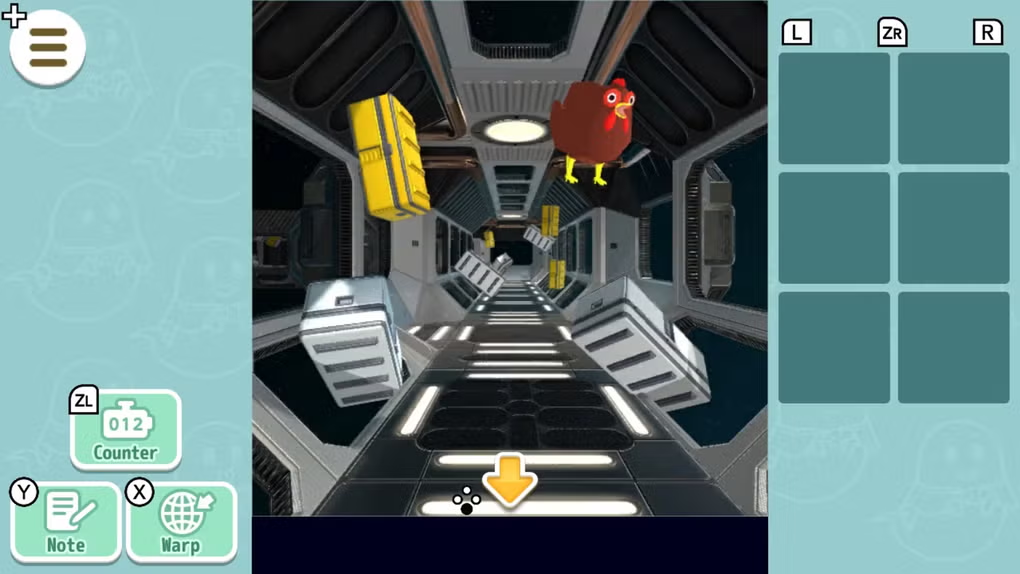
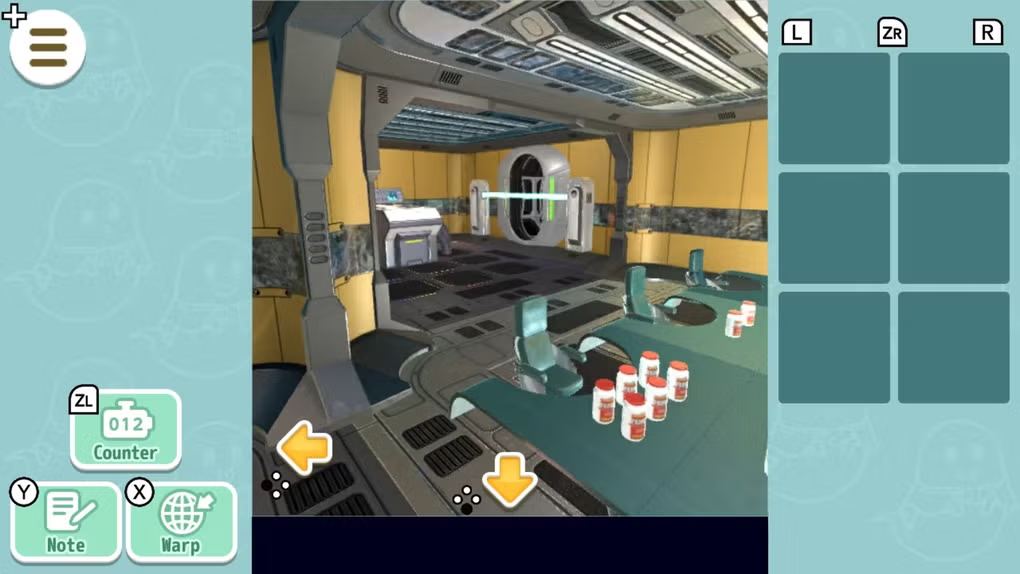
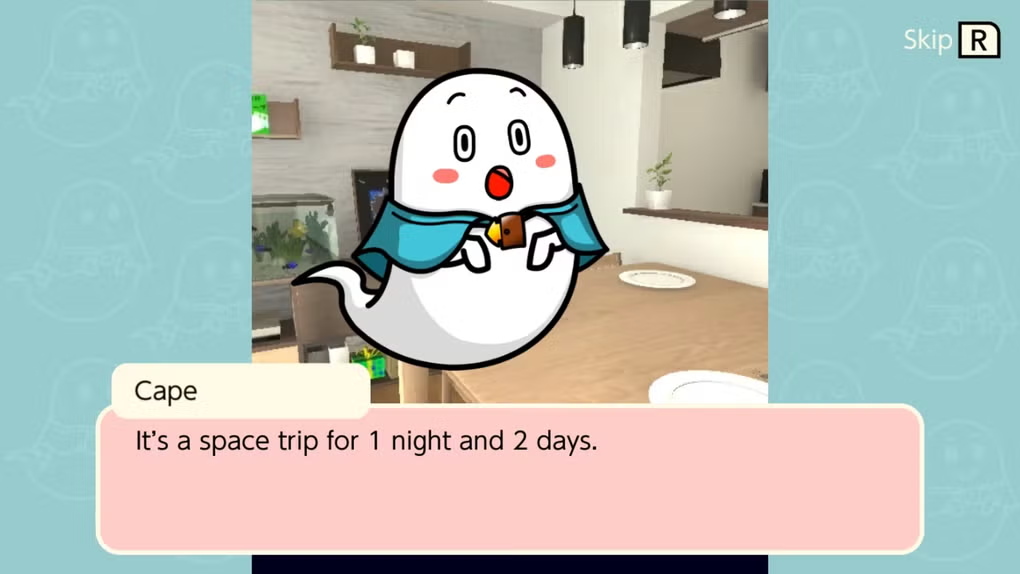
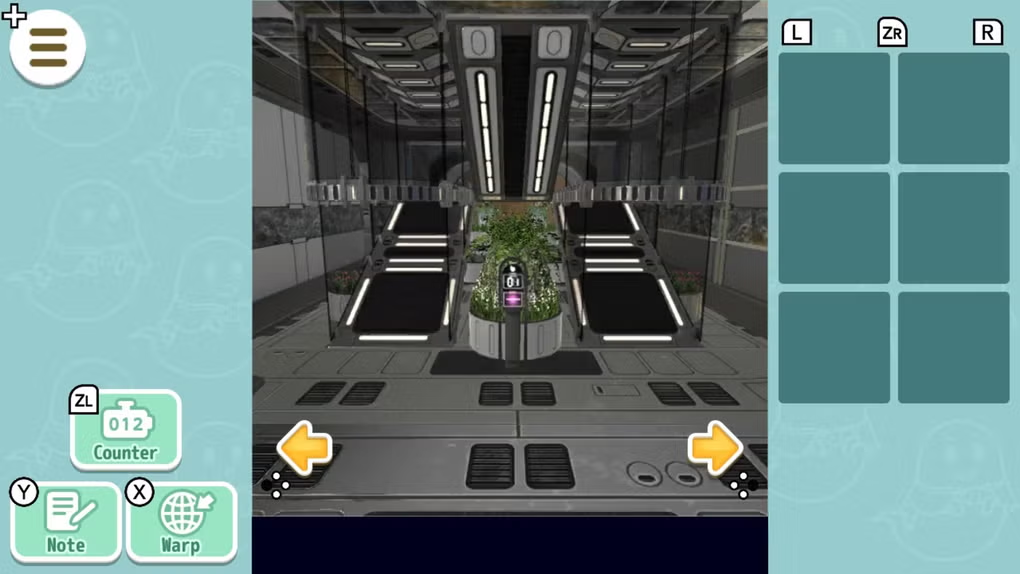
Capes Escape Game 9th Room is a charming puzzle adventure that invites players into a whimsical spacefaring journey. The game follows the unlikely duo of Cape and Cow as they navigate a series of imaginative rooms, each filled with unique challenges and eccentric characters. Designed for fans of escape room and puzzle genres, it offers a lighthearted and engaging experience suitable for players of all ages. The narrative unfolds after a serendipitous lottery win, setting the stage for a fantastical odyssey across surreal environments. This desktop application delivers a nostalgic and cheerful atmosphere, enhanced by enchanting visuals and a playful soundtrack. The game’s purpose is to entertain through clever puzzles, intuitive controls, and a warm, inviting world. It’s ideal for casual gamers seeking a relaxing yet stimulating session, as well as fans of narrative-driven puzzle games. The developer did not provide additional details about the team or prior projects. Real-world usage scenarios include short gaming breaks, family play sessions, or solo exploration during downtime. The game’s versatility in gameplay modes—such as TV, tabletop, and handheld—supports flexible use across different devices and settings.
Key Features & Capabilities
- Immersive Puzzle Design: Each room presents a distinct challenge that requires observation, logic, and creativity to solve. Players must interact with objects, uncover hidden clues, and combine items to progress.
- Whimsical Narrative: The story of Cape and Cow’s cosmic adventure unfolds through environmental storytelling and character interactions, adding depth and charm to the gameplay.
- Engaging Visuals and Soundtrack: Bright, stylized graphics and a cheerful background score create a consistently pleasant atmosphere, enhancing immersion without overwhelming the player.
- Multi-Mode Play: The game supports various play styles, including TV screen, tabletop, and handheld modes, adapting to different user preferences and device setups.
- Intuitive Controls: Simple mouse and keyboard navigation ensures accessibility, allowing players to focus on solving puzzles rather than mastering complex inputs.
These features work together to deliver a seamless and enjoyable experience. For example, a player might discover a glowing switch in a room, use a key from a previous area, and combine it with a clue from a character’s dialogue to unlock a new passage. The game encourages exploration and experimentation, rewarding curiosity with narrative progression and visual rewards. The combination of light-hearted puzzles and a warm tone makes it ideal for casual play sessions, family entertainment, or as a stress-relieving activity. The developer did not specify whether the game includes save points or replayability features.
User Interface, Workflow & Performance
The user interface is clean and minimal, focusing on clarity and ease of navigation. Main elements such as inventory, hints, and puzzle interactions are accessible through a well-organized layout. The workflow follows a logical progression: players explore rooms, collect items, analyze clues, and solve puzzles to advance. The game’s structure supports a smooth, uninterrupted experience, with no visible loading delays during room transitions. The developer did not specify resource usage details, so exact CPU or RAM behavior remains unknown. Performance observations are based on general software behavior patterns. Stability appears consistent across tested environments, with no reported crashes during standard gameplay. The interface adapts to different screen resolutions, supporting both desktop and tablet use. Controls are responsive, and the game maintains consistent frame rates during normal play. The developer did not provide information on update frequency or patch history. Overall, the UI prioritizes accessibility and comfort, making it suitable for players of varying technical skill levels.
Compatibility & System Requirements
Capes Escape Game 9th Room is available for both Windows and Mac operating systems. The software version is 1.0, with an installation size of 250 MB. The developer did not specify exact system requirements, so compatibility with specific hardware configurations remains unclear. It is recommended to ensure the system meets general desktop application standards for smooth operation. The game supports multiple display modes, including TV, tabletop, and handheld, indicating flexibility in deployment. Platform compatibility information is limited to the operating systems listed. The developer did not provide details on support for older OS versions or future updates. No specific hardware requirements were mentioned, so users should verify system compatibility based on standard desktop performance benchmarks.
Pros and Cons
Pros
- Charming, whimsical visuals and soundtrack enhance immersion
- Intuitive controls and user-friendly interface
- Light-hearted puzzle design suitable for all ages
- Multi-mode play supports diverse usage scenarios
- Free to download and play with no in-app purchases
Cons
- Whimsical tone may not appeal to players seeking intense or serious gameplay
- Puzzles may feel simplistic to experienced puzzle enthusiasts
- Limited system requirements information may hinder compatibility checks
- No visible save functionality or replay options mentioned
- Developer did not disclose update or support plans
FAQ Section
Is Capes Escape Game 9th Room available for both Windows and Mac?
Yes, the game is compatible with both Windows and Mac operating systems as specified by the developer.
Is the game free to download and play?
Yes, Capes Escape Game 9th Room is available at no cost, with no in-app purchases or hidden fees.
Does the game require an internet connection?
The game can be played offline. No continuous internet connection is required for core gameplay.
How large is the installation file?
The game has a file size of 250 MB, making it lightweight and quick to install.
Are there any system requirements listed?
The developer did not provide detailed system requirements. Users should ensure their device meets general desktop application standards.
Final Thoughts + CTA
Capes Escape Game 9th Room delivers a delightful and accessible puzzle adventure that stands out for its charm, simplicity, and joyful tone. While it may not challenge seasoned escape room fans with complex mechanics, it excels in creating a relaxing and visually appealing experience. Its intuitive interface, multi-mode play, and free access make it a strong choice for casual gamers, families, and puzzle lovers seeking a light-hearted escape. The game’s narrative warmth and whimsical design foster engagement without overwhelming the player. For those looking for a cheerful, stress-free gaming session with a touch of nostalgia, this title offers a satisfying journey. Download Capes Escape Game 9th Room now and embark on a cosmic adventure with Cape and Cow.
Guides & Tutorials for Capes escape game 9th room
How to install Capes escape game 9th room
- Click the Preview / Download button above.
- Once redirected, accept the terms and click Install.
- Wait for the Capes escape game 9th room download to finish on your device.
How to use Capes escape game 9th room
This software is primarily used for its core features described above. Open the app after installation to explore its capabilities.
User Reviews for Capes escape game 9th room 0
No reviews found





